How can I link an element on a certain page to another page?
updated at
Apply OS: Windows, macOS, Linux
Apply Navicat Product: Navicat BI
This can be done using Page Navigation. Simply select the image, icon, or text element, then open Page Navigation from the right pane. You can choose from the following navigation options: Next Page, Previous Page, First Page, Last Page, Last Page Viewed, or a specific page number.
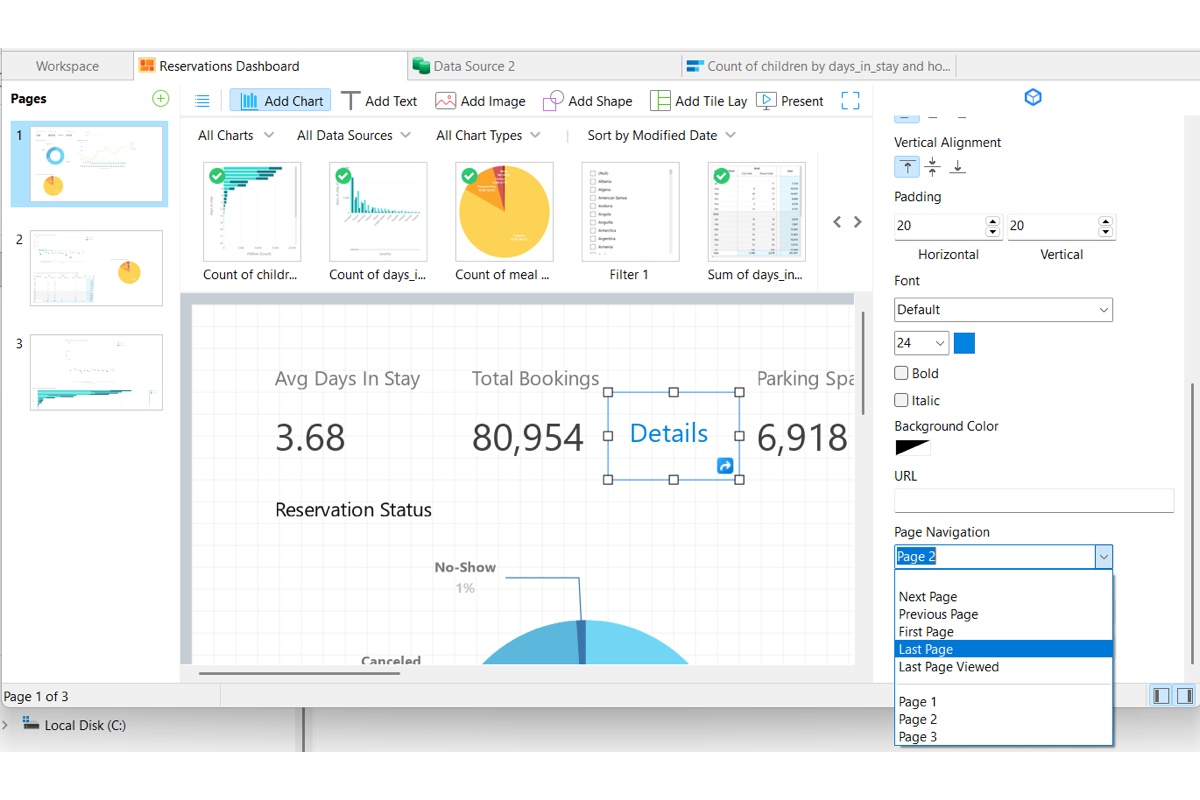
Note that Page Navigation is only available for images, icons, and text elements. It is not applicable to charts or controls.
Have more questions?
-
Support

-
About Us