What is a Tile Layer and how can I use it in my dashboard?
updated at
Apply OS: Windows, macOS, Linux
Apply Navicat Product: Navicat BI
A Tile Layer helps you organize your dashboard using a dynamic grid layout. It automatically arranges and resizes dashboard components, ensuring charts are evenly or proportionally distributed and aligned as you build your dashboard.
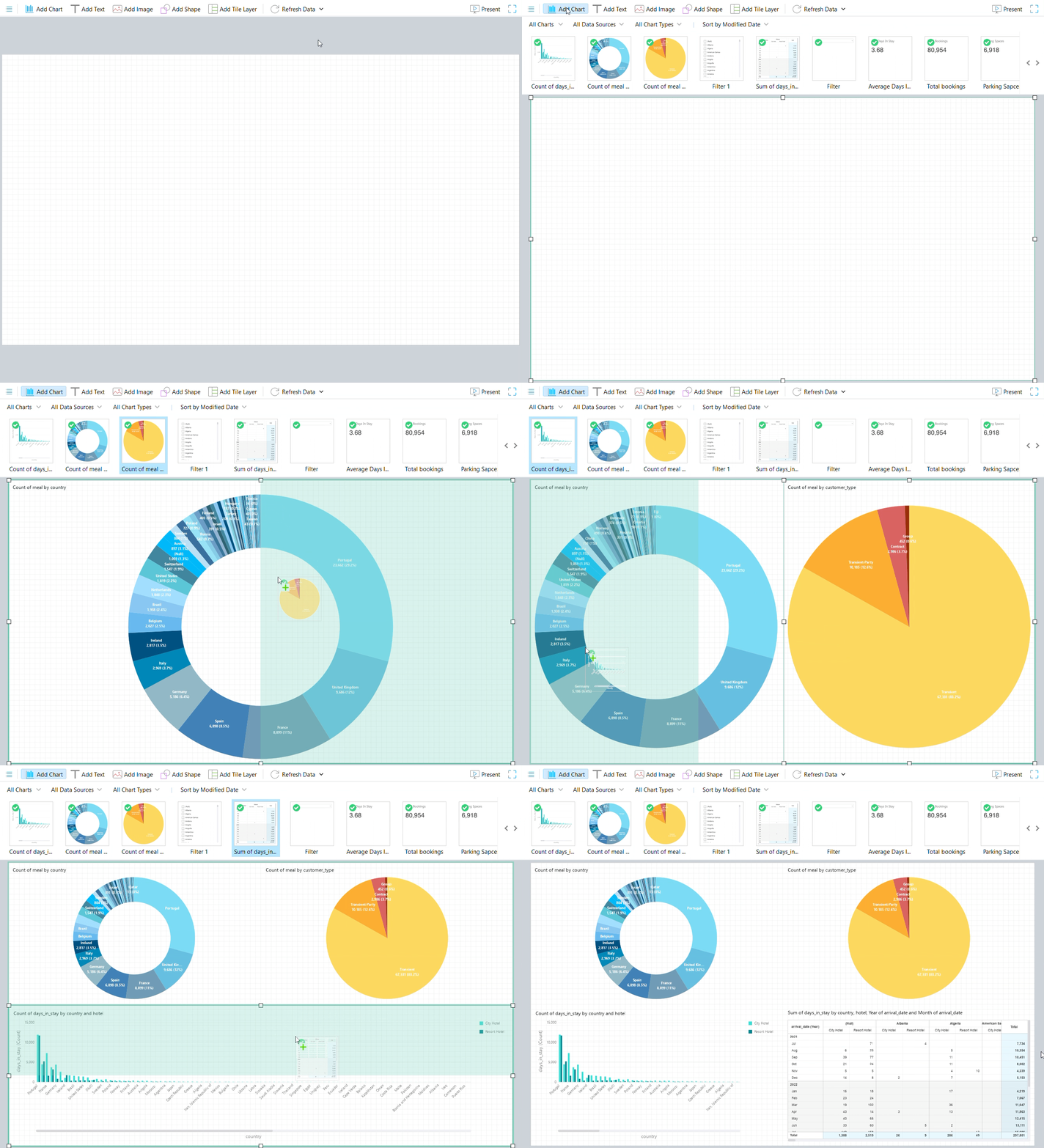
With a Tile Layer, you can:
- Create responsive layouts that automatically adjust to different screen sizes.
- Organize charts into rows and columns without manually aligning or resizing each component.
- Drag and drop visualizations to quickly rearrange your dashboard.
- Maintain a clean and balanced design, as the grid automatically resizes tiles to make the best use of available space.
Tile Layers are ideal for building professional-looking dashboards with minimal effort, allowing you to focus on your data rather than layout adjustments.
Have more questions?
-
Support

-
About Us